




Utrecht Mosaic MacBook Case
Layered Vintage Delft Tile Art for the Utrecht Mosaic MacBook Case
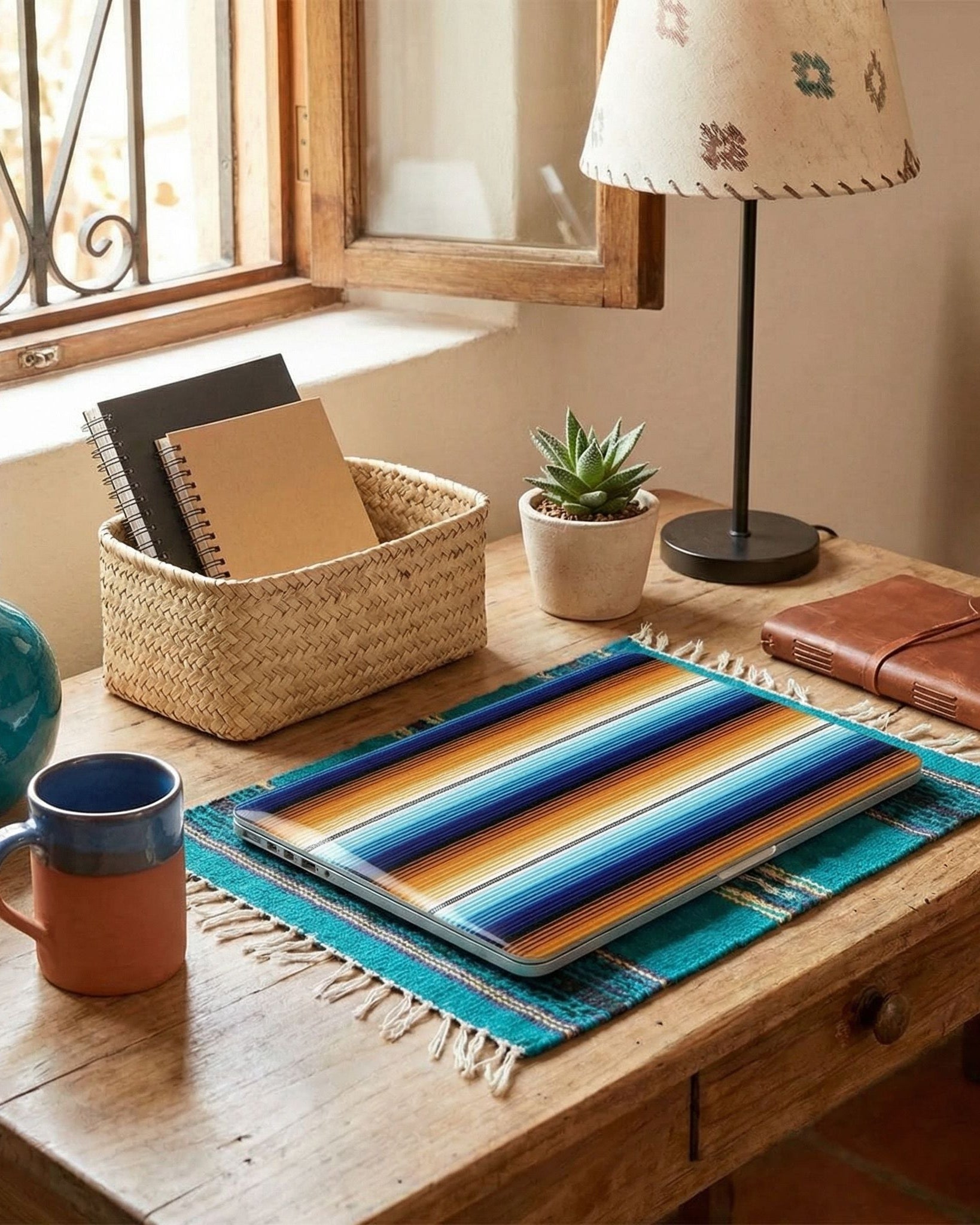
Turn your laptop into a layered expression of Dutch tile art with the Utrecht Mosaic MacBook Case. Inspired by vintage Delft tiles, the design arranges windmills, tulips, canal houses, a ceramic vase, and waterside scenes across ivory, sky-blue, and deep navy panels. This detailed Delft tile composition transforms a protective MacBook Air hard cover into an expressive Mac cover case with globally inspired character.
✔ Bold & Meaningful Design – Inspired by traditional patterns, folk art, and cultural symbols, this case is more than protection—it’s a statement of heritage, creativity, and self-expression.
✔ All-Around Protection – Designed with two separate covers that snap on securely, protecting both the top and bottom of your MacBook from everyday bumps and scratches.
✔ Slim & Lightweight Profile – A sleek, streamlined fit that keeps your MacBook looking clean and minimal—no bulk, no compromise.
✔ Premium Matte Prints – Finished with high-quality matte designs that stay vibrant, crisp, and fade-free, day after day.
✔ Full Port Accessibility – Enjoy easy access to all ports and features without ever needing to remove the case.
✔ Smart Cooling Design – Bottom ventilation slots help prevent overheating, keeping your MacBook cool under pressure.
✔ Enhanced Stability – Four anti-slip rubber feet on the bottom provide extra grip and stability on any surface.

This product is crafted just for you the moment you place your order, which is why delivery takes a bit longer. By making products on demand rather than in bulk, we help reduce overproduction. Thanks for choosing to shop thoughtfully!
Shipping
Enjoy free shipping on all US orders over $80!
For international orders, rates vary based on the product. For more details on shipping, click here
Returns
You’ve got 14 days to request a return after your item arrives. Want more details? Check out our returns info here!
All Sale items are final sale.
How do I know which MacBook I have?
You can check your MacBook model in two quick ways:
1. On your MacBook
From the Apple Menu, go to About This Mac and look for the Model Number.
2. On the back of your MacBook
You can locate your A**** model number printed on the back of your MacBook. The Model Number is printed there.

Match your number to this guide:


Need more help? You can also check Apple's support website . You'll go to a different page depending on whether you own a MacBook, MacBook Air, or MacBook Pro. Or just snap a quick pic and send it to us—we’re happy to assist.

Our MacBook Cases
Elevate your Mac with a globally inspired MacBook case that balances everyday protection with effortless style. This Mac laptop cover features two separate covers for true all-around protection, a slim profile that keeps your device looking sleek and streamlined, and premium matte prints that stay vibrant and never fade. Thoughtfully engineered with easy access to all ports, bottom ventilation to prevent overheating, and anti-slip rubber feet for added stability, it’s the perfect blend of form, function, and globally inspired design.